
In current times, if your team takes two weeks to close its books, it is time to reconsider your infrastructure. Businesses are leaning towards modern technologies to help with visibility, efficiency, and growth.
The latest SaaSPath Survey by IDC shows 74% of ERP customers across 1,915 organizations prefer an integrated suite of cloud-based applications. It highlights a strong shift away from the maintenance of on-premises systems.
One such technology is ERP, which we will explore in detail in this blog, including how it works, its benefits, features, and use cases.
30-Second Summary
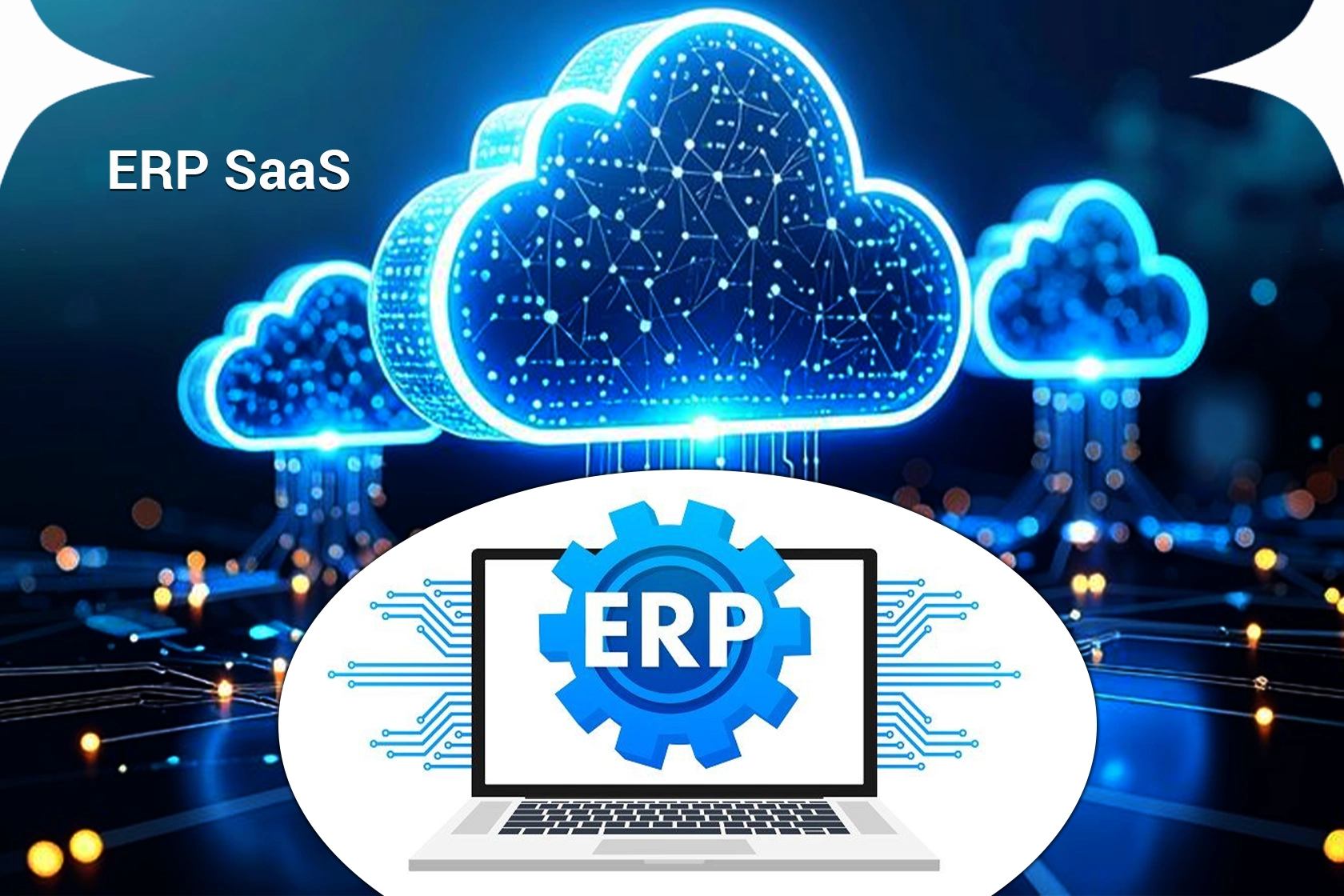
With digital transformation, ERP SaaS emerged as a tool to help businesses with their core functions in one place. It is cloud-based, secure, and managed by the vendor.
Its subscription model, scalability, and integration capabilities make it equally useful for SMBs as well as large organizations.
Trends like the integration of Gen AI, cloud preference, and user personalization make it more important for businesses to adopt it.
What is ERP?
ERP stands for Enterprise Resource Planning. This system became popular in the 1990s and 2000s when businesses realized they could increase efficiency through automation. They also used it because of improved decision-making by providing organization-wide visibility.
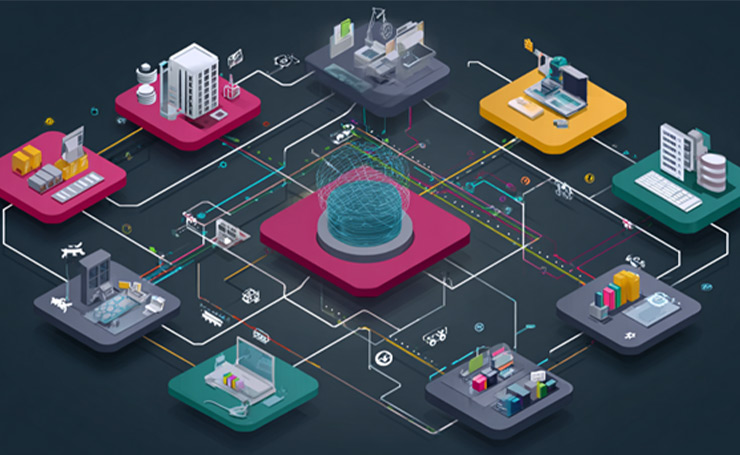
SaaS ERP is a subset of cloud-based enterprise resource planning software that operates on a cloud provider’s or vendor’s servers. It has a subscription pricing structure and is delivered as a service over the internet.
ERP SaaS has a multi-tenant SaaS architecture, in which multiple users use the same copy or instance of the software. However, the data of every tenant is secure and separated.
The vendors control the updates of the software, and all tenants get updates at the same time. The features are standard and cannot be customized easily.
ERP SaaS also offers single-tenant mode. In it, every customer gets their own instance and has some control over customization and updates.
Firms mostly choose single-tenant ERP mode to align with their privacy policy or comply with government regulations on data security and privacy.
How it Works
Here is how it works in practice.
- The vendor hosts the ERP solutions on cloud infrastructure.
- Businesses can subscribe monthly or annually rather than buying outright.
- The vendor is responsible for managing updates, backups, maintenance, and security.
- Users log in online to perform operations in their relevant field, such as finance, HR, manufacturing, sales, reporting, and inventory.
Types of ERP
There are typically two types of ERP.
On-Premises ERP: On-premises ERP is hosted on private servers and managed by a dedicated IT team.
Cloud ERP: Cloud ERP has the category of SaaS ERP. According to IDC, it is the fastest deployment method and comes with many advantages.
Cloud ERP vs ERP SaaS vs On-Premises ERP
Here are the deployment methods of ERP. Let’s see how they differ.

Cloud ERP
The cloud-based ERP software is hosted remotely in a commercial vendor’s data center and delivered over the internet. Users access cloud ERP through a web browser.
SaaS ERP
This is a subset of the cloud ERP; however, these terms are often used interchangeably. It is primarily built on a multi-tenant model and is managed by the software provider.
On-Premises ERP
Hosted ERP or on-premises ERP runs on an outside provider’s data centers. It provides control over upgrades and customization.
| Criteria | Cloud ERP | SaaS ERP | On-Premises ERP |
| Definition | ERP software hosted on cloud infrastructure (public, private, or hybrid). | A type of cloud ERP delivered strictly as Software-as-a-Service through subscription. | ERP software is installed and run on a company’s own servers and infrastructure. |
| Hosting Location | Vendor’s cloud or third-party cloud | Vendor-managed public cloud (multi-tenant). | The company’s local data center or servers. |
| Ownership Model | Can be licensed or subscription-based. | Subscription-only (monthly or annual). | Perpetual license with upfront purchase. |
| Architecture | Can be single-tenant or multi-tenant. | Mostly multi-tenant. | Single-tenant. |
| Maintenance and Updates | Shared responsibility between vendor and customer. | Fully handled by the vendor (automatic updates). | Fully handled by internal IT teams. |
| Implementation Time | Moderate (faster than on-premise, slower than SaaS). | Fastest implementation. | Longest implementation time. |
| Upfront Cost | Medium upfront cost. | Low upfront cost. | High upfront cost (hardware and licenses). |
| Scalability | Scalable, but may require configuration. | Highly scalable and flexible. | Limited and requires hardware upgrades. |
| Customization Level | Moderate to high customization possible. | Limited deep customization; mostly configuration-based. | High customization and control. |
| Accessibility | Internet-based access. | Internet-based access from anywhere. | Usually limited to internal networks or VPN. |
| IT Dependency | Moderate IT involvement. | Minimal IT involvement. | Heavy IT involvement. |
| Best For | Enterprises want cloud benefits with more control. | Small to large businesses seeking simplicity, speed, and low IT burden. | Large organizations with strict data control or legacy requirements. |
What are ERP SaaS Features to Look For
Many companies, particularly small businesses, start using simple tools like QuickBooks or Excel spreadsheets.

Adopting a SaaS ERP software may look unnecessary, but as businesses grow, these simple management tools become inefficient.
Whether you want ERP SaaS for small businesses or large firms, these are the 10 features you need to look for.
Common Database
Centralized information and a single source of truth for sharing data consistently and creating a cross-functional view of the organization.
Embedded Analytics
Self-service BI, reporting, and compliance tools, and built-in analytics to deliver deep insights across the business.
Visual Data
Visual presentation of data using dashboards, KPIs, and point-and-click analytics that assist in quick and valid decision-making.
Automation
The ability to automate all repetitive tasks using advanced robotic process automation (RPA) powered by machine learning and artificial intelligence.
Consistent UX and UI
A cohesive look across all ERP SaaS modules, an easy-to-use interface, and personalization tools for processes and users.
Integration
Smooth integration of processes and workflows, as well as integration with third-party tools and data sources.
New Technologies
Support for Gen AI, machine learning, security, mobile technology, Internet of Things (IoT), and digital assistants.
Technology Platform
A stable and quick technology, including a low to no-code platform, data management, iPaaS, and other aspects.
Multinational Support
Global support for languages and currencies, with managing local business practices and technical support for cloud services, training, and implementation.
Deployment Choice
Cloud-based, on-premises, hybrid, and two-tier deployment options.
ERP SaaS Benefits

- High Productivity: It streamlines and automates important business processes so teams can do more with fewer resources.
- Deep Insights: It eliminates information silos, creates a single source of truth, and provides quick answers to critical business questions.
- Fast Reporting: It offers fast business and financial reporting and allows you to share results to act on insights and improve your performance.
- Low Risk: It enhances business control and visibility and ensures compliance with all regulatory requirements. It also predicts and prevents risk.
- Simple IT: It has ERP applications integrated that share a database to simplify IT and an easy-to-use interface for everyone.
- Enhanced Agility: It identifies new opportunities using efficient operation and provides access to real-time data.
Cost of ERP SaaS
ERP SaaS cost is less than on-premises software because it works on a subscription model. However, it can exceed the total upfront cost of an on-premises model after some years, particularly when users grow.
According to ERP vendors, SaaS is more profitable and reliable, as it generates more revenue in the long run and is also cheaper to upgrade than on-premises ERP.
SaaS subscription models vary widely. They range from pricing per user to tiered pricing that packages. Each subscription model has different features. This is why buyers of SaaS ERP need to understand pricing carefully to estimate the cost of ownership.
SaaS ERP Solutions
This table demonstrates the top 10 ERP platforms that help businesses streamline their operations.
| ERP Solution | Core Functionality | Best For | Pros | Cons |
| SAP Business ByDesign | Finance, HR, SCM, CRM, and project management | Mid-sized businesses needing an all-in-one ERP | Robust features, highly scalable ERP SaaS, and strong analytics | Expensive and complex implementation |
| Oracle NetSuite | Financials, CRM, eCommerce, inventory, and HR | Growing SMBs and enterprises | Comprehensive cloud suite, highly customizable | High licensing costs, steep learning curve |
| SYSPRO | Manufacturing, inventory, supply chain, and finance | Manufacturing and distribution companies | Industry-specific features, flexible deployment | Limited scalability for very large enterprises, and reporting can lag |
| Sage Intacct | Core financial management, accounting, and reporting | SMBs focused on finance and accounting | Excellent financial reporting, user-friendly | Weak outside finance modules |
| Microsoft Dynamics 365 | Finance, operations, CRM, and supply chain | Enterprises using the Microsoft ecosystem | Seamless Microsoft integration, modular | Complex setup, costly customization |
| Oracle ERP Cloud | Enterprise finance, procurement, and risk management | Large global enterprises | Powerful automation, strong compliance tools | Very expensive, long implementation |
| Odoo | CRM, accounting, HR, inventory, and manufacturing | SMBs need a modular and affordable ERP | Open-source, highly customizable, cost-effective | Customization can get expensive |
| Tipalti | Accounts payable, payments, and tax compliance | Companies with global payments | Strong compliance automation, scalable | Limited ERP coverage beyond AP |
| Kechie ERP | Inventory, order management, CRM, and finance | Small to mid-sized businesses | Easy to use, quick deployment | Very few independent reviews, some features are still maturing |
| Plex Systems | Manufacturing execution, SCM, and finance | Manufacturing enterprises | Real-time data, manufacturing-focused | Hard to customize, learning curve |
ERP SaaS Implementation
ERP SaaS can be deployed within days or hours because the vendor manages it. Users access it from the web browser of their desktop or mobile phones.

However, this deployment can be slowed if you need to migrate data from the old ERP system. Users also need time to adjust to the new processes and understand the software.
Another challenge you might face is the integration of SaaS ERP with other SaaS or on-premises software for functions such as warehouse management and manufacturing.
Although it is easier to manage than on-premises systems, SaaS ERP has its own learning curve, which needs time and resources for training users and bringing the change.
SaaS ERP Use Cases
Every business, whether it is automotive or wholesale distribution, needs accurate information and effective business processes to thrive.

Take a look at these industry-specific ERP use cases.
Manufacturers
Different types of manufacturers use ERP to meet product quality goals, manage usage of assets, handle overtime costs, and perform other operations.
They also get complete control of inventory and monitor stock movements. Manufacturers can spot underperforming and top-performing products and manage procurement effectively.
Retailers
The retail industry went through a significant change when physical stores merged with e-commerce and other digital channels.
ERP SaaS helps provide consistent, integrated data, reduces cart abandonments, increases average order value, and boosts website conversions.
Service-based Firms
Accounting, tax, engineering, and legal services need powerful and real-time ERP technology to balance both service delivery and financial health.
ERP systems are also important for professional services because they need to stay on schedule while also managing project profitability, growth opportunities, and resource usage.
Utilities
Utility companies constantly review their capital assets to meet future demands as well as to replace old ones. Without ERP, this process becomes challenging and more prone to errors.
ERP is also a solution for another major utility issue: forecasting spare parts. Not having proper parts during an outage results in a customer service issue. On the contrary, having too many parts means more costs and out-of-date stock.
Wholesale Dealers
Wholesale dealers, direct store delivery, and importers want to increase inventory returns, decrease distribution costs, and shorten order-to-cash time.
These goals are achievable through integrated inventory management, logistics functionality, and customized automated processes, which are features of SaaS ERP systems.
Important Trends of ERP SaaS
Right now, digital transformation is speeding up. Enterprises are focused on adopting technologies for every aspect and trying to eliminate drags that slow down the business.
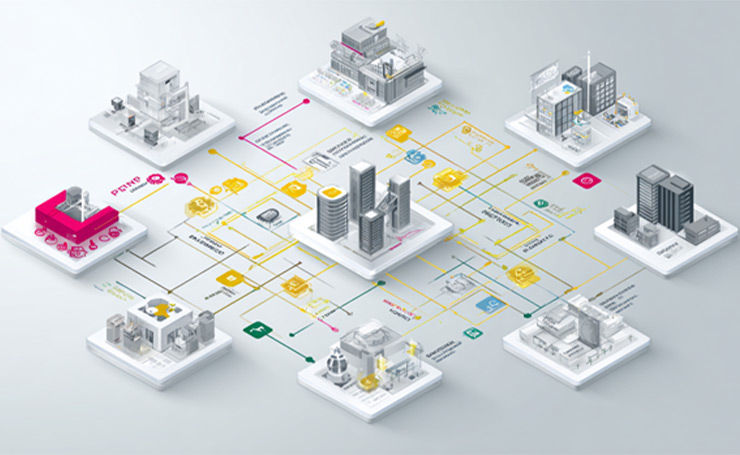
Here are four major trends you need to look out for.
Generative AI
Integration of Gen AI in ERP software enables businesses to automate many manual tasks while also adjusting and optimizing their core processes to meet the company’s goals.
Beyond automation and insights delivery, Gen AI also makes it easy for non-IT users to interact with their ERP systems using natural language commands.
Any user can put forward a query and get an instant answer based on all available documents and data.
Vertical Integration
Companies do not have to choose between top solutions and an integrated ERP. New systems offer both a fully embedded ERP system and vertical extensions.
This approach allows businesses to get specific functions without the challenging integration problems or data silos.
Cloud Preference
Users will keep preferring the cloud as more and more companies discover its advantages. Some of these include access anywhere, reduced hardware, better security, increased integration, and technical support costs.
With the increased speed of businesses, adopting a cloud mindset becomes even more necessary to compete and thrive.
User Personalization
Every user, including staff, customers, and suppliers, needs content and functions that meet their specific requirements. Transformation in the workforce, particularly in industries like manufacturing, also requires low to no-code platforms.
These platforms make it easy for users to customize rather than adapt to the complex operations of software. Users can also expect personalized chat, customized dashboards, AI-powered search, and personalized workflows across different devices.
Conclusion
ERP SaaS is changing how businesses manage their operations, whether it is HR, retail, manufacturing, or finance. The lower costs, higher scalability, automatic updates, and “anywhere” access make it ideal for organizations of all sizes.
Companies adopting SaaS ERP manage their tasks more efficiently, as the focus is now leaning towards cloud-based ERP for streamlining functions.
Want to learn more about SaaS technology? Visit Latest SaaS Updates for in-depth blogs.
FAQs
What is ERP SaaS?
ERP SaaS (Software-as-a-Service Enterprise Resource Planning) is a cloud-based ERP system. It is delivered through subscription. Businesses can access it online by using the internet without the need to download it to their local servers.
What are the Benefits of SaaS ERP for small businesses?
SaaS ERP is ideal for small businesses as it offers low upfront costs, quick deployment, predictable subscription, and easy scalability when the business grows. Small businesses do not need in-house IT teams and get secure, cloud-based access to their core functions.
Do ERP SaaS Integrate with Other Business Software?
Yes, modern ERP solutions support integration with other software, such as CRM, BI software, payroll systems, and e-commerce platforms.
