
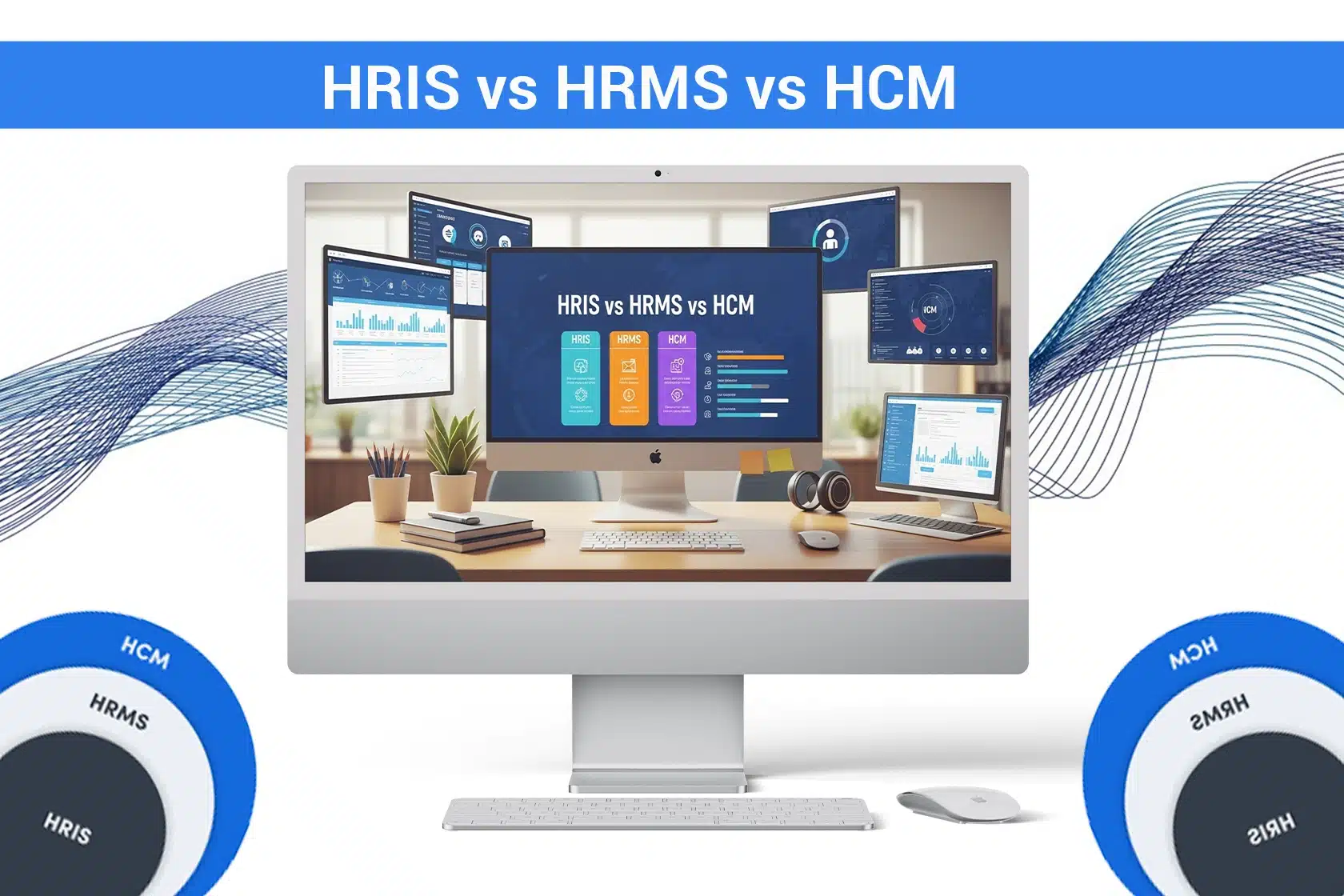
You must have seen terms like HRIS, HCM, and HRMS used interchangeably in HR management. But they are different from each other. The best part is that all of them help HR teams streamline their tasks and work efficiently.
So, let’s understand the difference between HRIS vs HRMS vs HCM, their individual features, benefits, pros, cons, and which of these software is best for your business.
Key Takeaways
- HRIS, HRMS, and HCM differ in scope and complexity.
- HRIS is for core HR tasks, HRMS adds operational management, and HCM focuses on strategic talent growth.
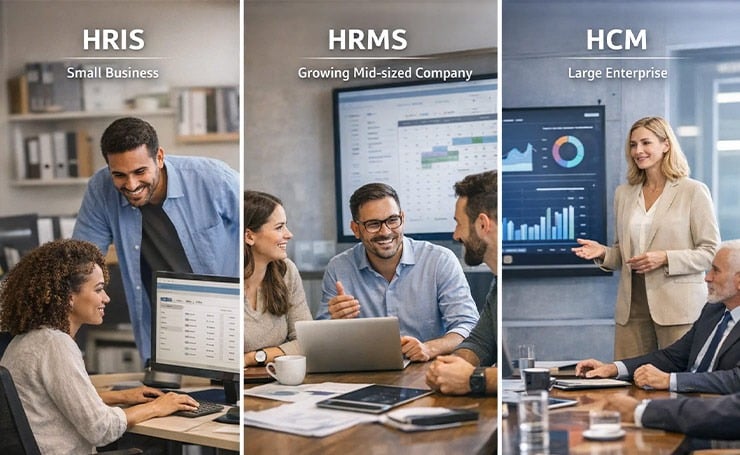
- Choose software based on your company’s size. HRIS is for small businesses, HRMS for growing mid-sized companies, and HCM for large enterprises.
What is HRIS?
HRIS is short for Human Resource Information System. This software served as the foundation on which other HR systems were built. HRIS allows HR teams to manage employee data, track their attendance, leaves, and payroll.
Features
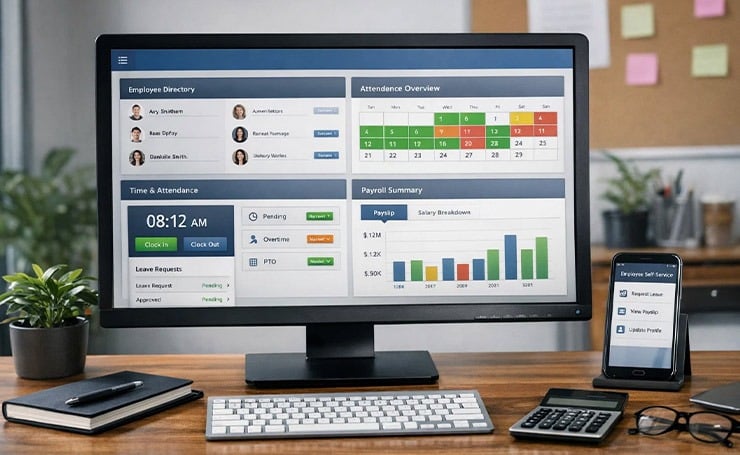
- Information System: This is a central resource for employee data, including their attendance, payroll, and contact details.
- Time Tracking: This feature allows tracking working hours, PTO, and overtime. You can also add and approve leave requests through it.
- Payroll: There are different tools for payroll, such as payroll policies, payroll processing, payslip distribution, and payroll compliance management.
- Self-service capabilities: Some HRIS software also has self-service tools that allow employees to do simple tasks themselves, such as applying for leave and changing their personal information.
Pros
- HRIS platforms are easy to use.
- They are affordable.
- They are customizable and can be adapted to work with different tech stacks.
- They are flexible and help employees across all levels of an organization.
Cons
- Many traditional HRIS solutions only have core functions and lack advanced tools.
- These platforms might not be suitable for enterprise-level organizations.
What is HRMS?
A Human Resource Management System (HRMS) is the latest evolution of HRIS. It not only saves data but also provides comprehensive management of daily HR tasks, including performance, payroll, task scheduling, and training.
Features
HRMS software includes all the features of an HRIS, as well as the following.
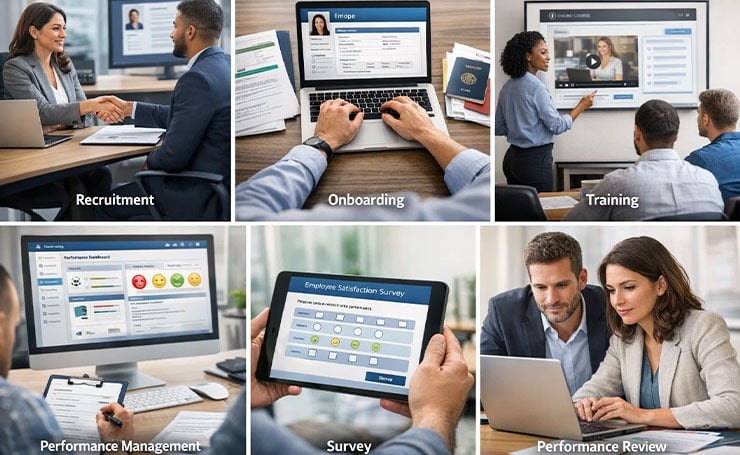
- Recruitment: HRMS platforms enable HR teams to post jobs, analyze large volumes of resumes, schedule interviews, and automate candidate communications, thereby streamlining hiring processes.
- Onboarding: You can add new employees to the system and also upload their personal documents.
- Training and Development: These systems enable HR professionals to create learning pathways for employees by providing ready-to-use courses and learning materials.
- Performance Management: They enable team leads to schedule and store appraisal notes. Managers can also automate performance management so that reviews happen on their time with minimal administrative work.
- Surveys: These platforms help HR teams conduct anonymous surveys to understand how employees feel in the workplace and address issues.
Pros
- HRMS offers more comprehensive HR functions than an HRIS, such as talent management.
- These platforms significantly reduce HR professionals’ administrative workload.
Cons
- These systems can be expensive as they have more advanced features.
- They also have complex setup and maintenance processes, resulting in an increased learning curve.
What is HCM?
HCM stands for Human Capital Management. This software is the most advanced, allowing you to focus on improving employee experience. It enables HR teams to develop human capital, including people, their skills, and their professional development within the company.
Features
HCM has all the features of HRIS and HRMS. Some other features that you will find are

- Succession planning: This feature allows you to plan vertical and horizontal movements within your organization. Moreover, advanced tools enable you to integrate with other software in your existing tech stack to streamline tasks.
- Integration with your business’s systems: HCM solutions integrate with other advanced systems, such as IT and finance.
Pros
- HCM platforms offer advanced integrations with different business systems.
- These are suitable for enterprise-level organizations.
Cons
- This is the most expensive option.
- It requires long-term commitment and has a steep learning curve.
- It is extremely demanding in terms of setup and maintenance.
What is the Difference Between HRIS vs HCM vs HRMs?
Even though they may look similar at first glance, HRIS, HRMS, and HCM differ in scope, complexity, and focus.
- HRIS covers all core HR functions, such as data management, payroll, and attendance tracking.
- HRMS builds on the functions of an HRIS and includes advanced features, such as talent management.
- HCM offers all the capabilities of an HRIS and an HRMS, with advanced integrations and features for enterprise-level organizations.
| Feature / Aspect | HRIS (Human Resource Information System) | HRMS (Human Resource Management System) | HCM (Human Capital Management) |
| Main Purpose | Stores and organizes employee data | Manages and automates HR processes | Focuses on talent development and workforce strategy |
| Focus Level | Administrative and record-keeping | Operational and process management | Strategic and growth-oriented |
| Scope | Basic foundational system | Broader system covering core HR functions | Most comprehensive and advanced HR suite |
| Employee Data Management | Core capability | Included as a base function | Included with advanced insights |
| Payroll Processing | Basic support or integrations | Full payroll management workflows | Advanced payroll with analytics and planning |
| Leave & Attendance | Basic tracking and records | Automated workflows and policy management | Integrated with workforce planning and analytics |
| Recruitment & Onboarding | Limited or separate tools | Often included within the system | Advanced talent acquisition and onboarding tools |
| Performance Management | Minimal or not included | Standard performance tracking features | Advanced performance management and succession planning |
| Learning & Development | Typically not included | May be available in some systems | Major component with training and skill development tools |
| Workforce Planning & Analytics | Basic reporting | Operational reports and dashboards | Predictive analytics and strategic workforce planning |
| Automation Level | Low | Moderate | High |
| Typical Users | Small businesses or HR admin teams | Mid-sized and growing organizations | Large organizations and enterprise HR leaders |
| Overall Role | Foundation for employee data | System for running daily HR operations | Platform for managing and growing human capital |
Which is the Right Choice for your Business?
For small companies and startups, the best choice is HRIS because of its straightforward and basic functions. These companies can centralize employee data and streamline payroll without overwhelming features.
Medium organizations that are growing in the industry need HRMS solutions that scale with them. These companies need structured recruitment, performance management, and employee development as they grow, which are all present in HRMS platforms.
Large enterprises should choose HCM systems as they offer succession planning, enterprise integrations, and powerful analytics. These features help coordinate complex tasks across several business units.
How to Choose Between HRIS, HRMS, and HCM: Stepwise Checklist
- Step 1: Assess Your Company Size and Complexity

Small Businesses (10 to 200 employees): Consider HRIS for core HR tasks, such as simple payroll, leave management, and employee records.
Growing Companies (200 to 1000 employees): Consider HRMS to manage onboarding, recruitment, and performance as HR needs scale.
Enterprises (1000+ employees): Consider HCM to handle complex workforce planning, employee lifecycle management, advanced integrations, and analytics.
- Step 2: Identify Core HR Needs
Make a list of essential HR functions your team cannot do without, and match these needs to each system’s specialties. Below is an example of such a list.

- Payroll management
- Time and attendance tracking
- Employee lifecycle management
- Performance management
- Step 3: Consider Strategic Goals
Ask yourself the following.
- Do you just need to store employee data and manage basic admin tasks? HRIS is ideal.
- Do you want to automate HR processes and improve efficiency? HRMS is suitable.
- Do you want to develop talent, plan succession, and use workforce analytics? HCM is your best bet.
- Step 4: Evaluate Budget and Resources

- HRIS is affordable, very easy to implement, and requires minimal training for your team to learn using it.
- HRMS is slightly expensive and needs some setup and training.
- HCM has a higher cost and requires long-term investment, implementation support, and change management.
- Step 5: Check for Integration Needs
Ask yourself whether your HR software needs to integrate with other solutions, such as payroll tools, ATS, learning platforms, and finance systems.
HRMS and HCM platforms offer more integrations than HRIS.
- Step 6: Decide on Future Scalability
Before choosing, always think about 3 to 5 years ahead. Will your company grow quickly? If yes, then choose a platform that can grow with you. Do not invest in an HRIS if you know that you will need HCM features soon.
- Step 7: Trial, Feedback, and Implementation

- Test the software you choose with a small HR team first.
- Ask for their feedback on its usability, functionality, and employee experience.
- Make the final decision based on the software’s features and user-friendliness.
Wrapping Up
The difference between HRIS vs HRMS vs HCM lies in the scope and complexity of these solutions. If you want a simple platform, HRIS should be your choice. HRMS software offers great advanced options, and HCM provides the most robust and advanced features, suitable for large companies.
To learn more about HR SaaS, feel free to visit Latest SaaS Updates.
FAQs
What are the Benefits of Using Modern HRIS Software for Small Businesses?
Modern HRIS platforms for small businesses streamline core HR tasks, such as leave tracking, payroll, and data management. They are also cost-effective and easy to implement to help HR teams save time and reduce errors.
How does HRMS Support Mid-market enterprises in Talent Management?
HRMS solutions for mid-sized companies provide tools for onboarding, recruitment, employee lifecycle management, performance tracking, and learning and development. These tools scale as your organization scales.
What Features do HRIS, HRMS, and HCM offer for Employee Engagement and Development?
HRIS provides basic self-service tools. HRMS offers performance reviews and structured learning. HCM provides comprehensive programs for career development, succession planning, and employee engagement across all levels.
