
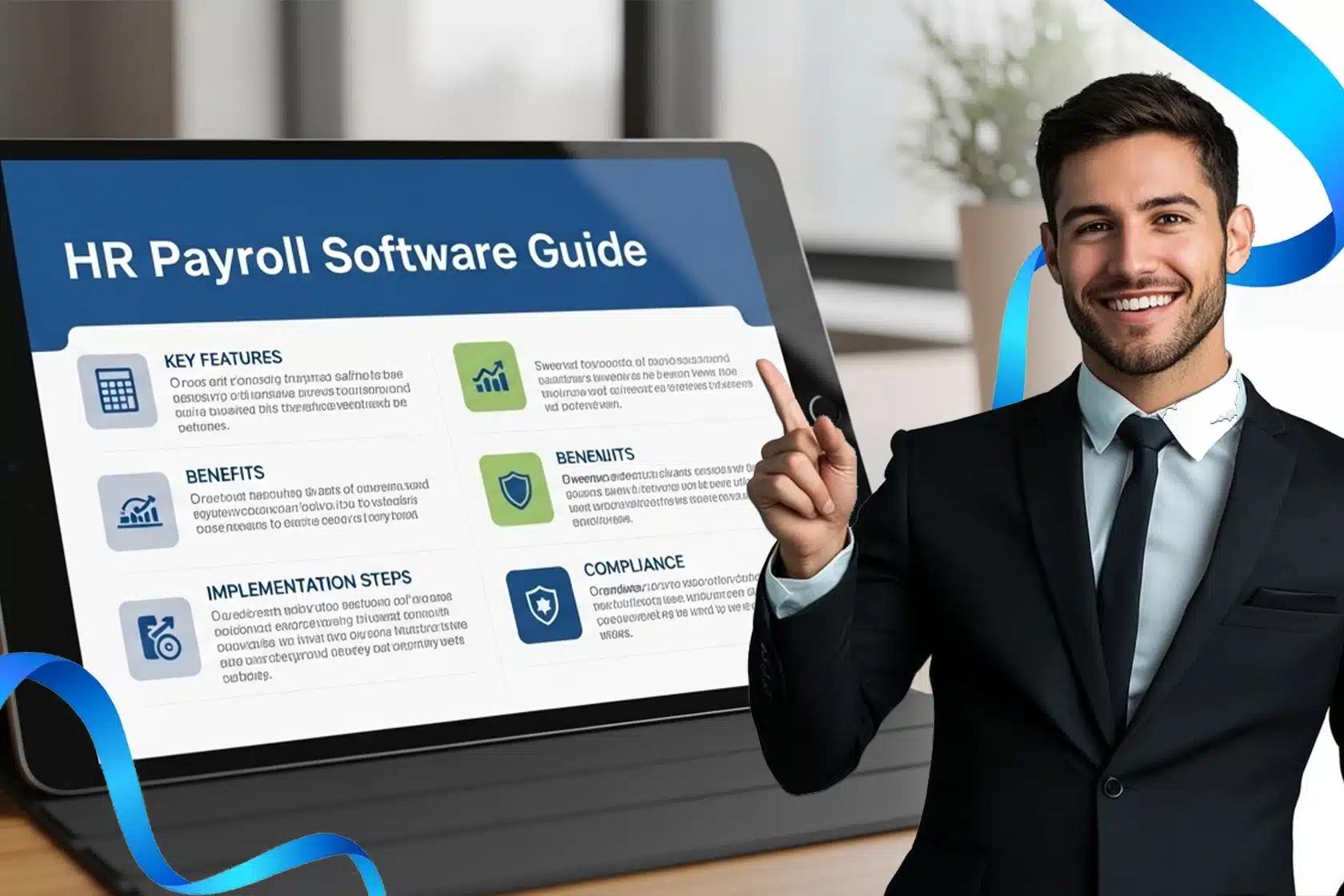
Payroll management is difficult. It takes time, and HR professionals have to be very cautious to ensure there are no mistakes. However, some businesses still manage payroll without any software. The downside of this approach is that they depend on spreadsheets and manual processes that are not suitable for complex payroll tasks.
This guide explains HR payroll software, its types, integrations, and benefits. Moreover, learning about the obstacles you will face, the features to look for, and the common pitfalls to avoid will help you overcome them.
30-Second Summary
- Payroll software automates salary calculations, tax filing, and compliance. It reduces manual errors and admin workload.
- Cloud-based payroll systems are scalable, easy to implement, and offer easy integrations compared to traditional on-premise software.
- Choosing the right payroll system depends on your business size, security and integration needs, and long-term growth plans.
- Proper vendor evaluation, implementation, and staff training are important to increase ROI and avoid common payroll software pitfalls.
What Is HR Payroll Software?
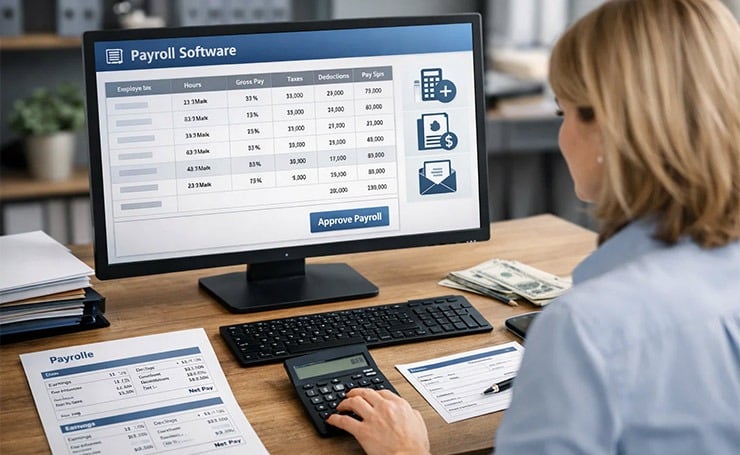
Payroll software is designed for HR professionals. It is used to automate the entire payroll process. It calculates employees’ salaries and deducts taxes and other mandatory deductions. It also generates payslips and supports payments to ensure that businesses comply with labor law and tax regulations.
Types of Payroll Software
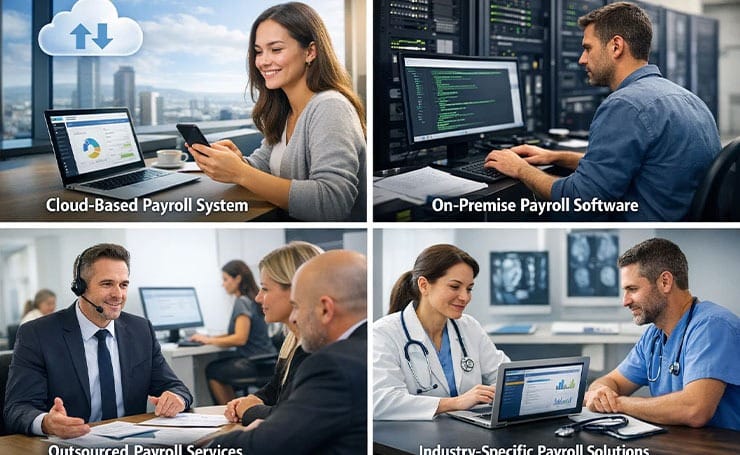
- Cloud-based Payroll System: This software is web-based and accessible from anywhere. It is scalable and always stays up to date with tax and compliance changes. It is suitable for most modern businesses.
- On-Premise Payroll Software: This software is installed on local servers. Through it, you get full control over data. It is a great option for businesses with strong in-house IT teams.
- Outsourced or Full-Service Payroll Providers: A third party manages your payroll. It is best for companies that want minimal internal payroll management.
- Industry-Specific Payroll Solutions: These are tailored to specific industries, such as finance or healthcare. The features of these solutions match the unique needs of the sector.
Why is Payroll Software Required?
Payroll software covers everything, from collecting compensation data to filing payroll taxes. Payroll generation is a layered process, and handling it manually gets difficult. Moreover, it is highly error-prone even by payroll experts.
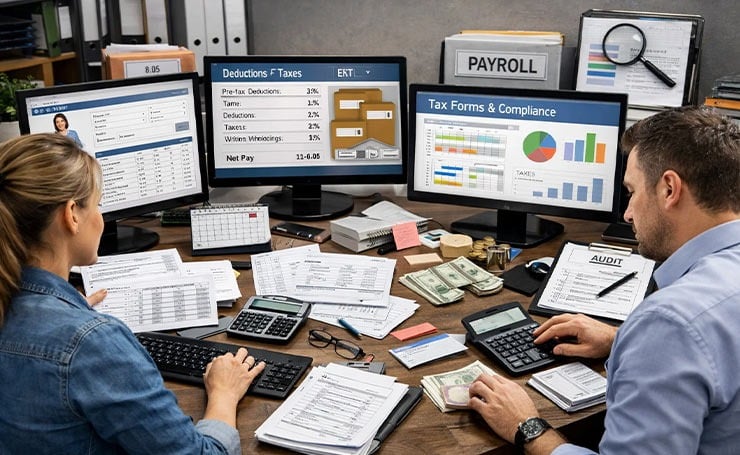
If you think that managing payroll manually on spreadsheets is sufficient for your organization, you might be wrong here because many major errors happen in a layered payroll generation process despite alertness.
When we talk about layered payroll generation, the following steps are involved.
- Collecting employee information (their work, etc.) and tax forms
- Tracking attendance and working hours
- Calculating gross salary
- Making pre- and post-tax deductions
- Computing taxes and withholdings
- Calculating net pay and disbursement
- Recordkeeping and reporting
- Tax filing and compliance
- Ensuring audits
Such a comprehensive payroll process needs software that wraps it up without any errors.
Which Obstacles can Payroll Software Overcome?
Every software you invest in should make your work easier and more manageable. Using payroll software helps you overcome the following issues.
Delays in Payroll

No employee wants to wait for their salary. In fact, payroll delays reduce employee morale and increase the churn rate. Payroll software allows you to process salaries quickly and deliver them to keep your employees satisfied.
Piled Paperwork
Another problem that HR payroll software can solve is paperwork. Human resources teams have to deal with a lot of forms and hiring documents. Payroll solutions help you to get rid of a long paper trail by providing a digital alternative. You can send an employee their documents, have them add their digital signature, and submit them through the software, reducing paper and manual work.
Cost Overruns
Staying within your budget is important to increase profit margin and talent pool. Using payroll software, you can oversee your budget and avoid overspending. For instance, the expense tool in the software will let you see which projects are over budget and help you manage them more effectively.
Compliance Issues

Compliance breaches can result in costly fines. Payroll software saves you by mitigating compliance risks, such as tax penalties and violations of employee rights. It also has built-in metrics that show you emerging issues, so you can address them swiftly.
Costly Mistakes
Some mistakes can cause significant losses for the company. For instance, an HR professional accidentally submits the same payroll form twice or adds a zero to the total salary. Payroll management solutions reduce these mistakes because of automated payroll processing.
Benefits of HR Payroll Software
Here are some benefits that show why HR payroll software is important for your business.
Increased Employee Morale
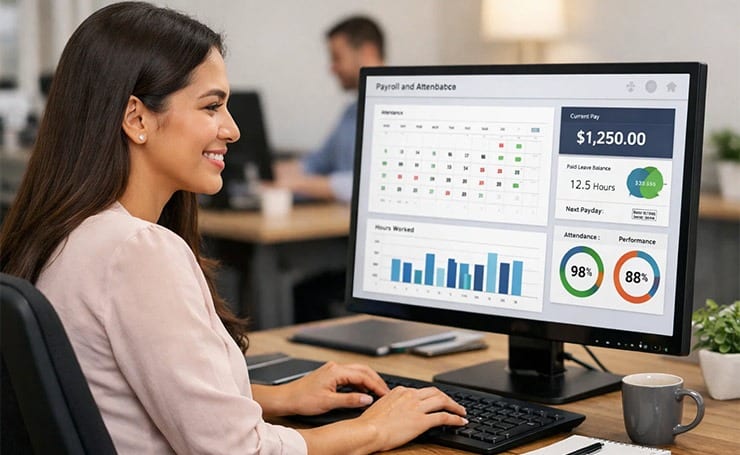
Most payroll platforms allow time and attendance tracking and offer personalized dashboards. Employees can see their daily performance, attendance, and pay status. In this way, they feel more in control of the process and are more likely to stay with your company for a long time.
Enhanced Data Security
Another important benefit is improved data safety. Most solutions have strict security measures to avoid breaches, such as firewalls, user authentication, and encryption. However, make sure to verify the software’s data security protocols with the vendor before investing in it.
Simplified Hiring Process
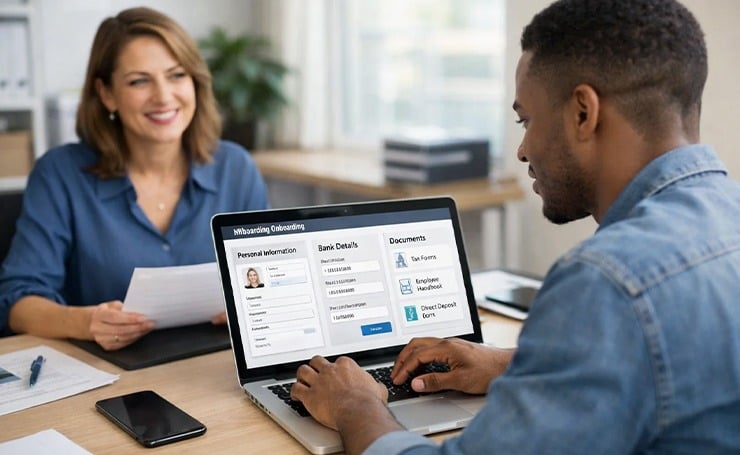
Payroll platforms also simplify the hiring process by automating many tedious tasks. Moreover, the new hire can add their information, update their bank details, and find important documents in the system.
Streamlined Performance Management
Payroll and HR software streamlines multiple HR-related tasks, such as recording job descriptions, conducting annual reviews, and managing employee performance. For instance, it allows you to see which employees reached their maximum work capacity in the last month, gaining insights about their performance.
Core Features to Look for in Payroll Software
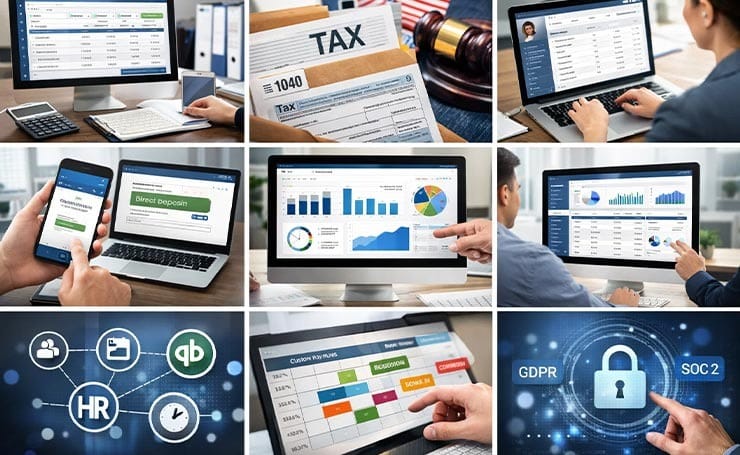
- Automated Payroll Processing: It should calculate salaries, apply obligatory deductions, and generate paychecks with minimal manual intervention.
- Compliance and Tax Management: It should handle tax calculations and comply with all federal, state, and local regulations.
- Employee Self-Service Portal: It should have a secure portal accessible by employees for pay stubs, tax forms, and personal information.
- Direct Deposit and Payment Options: It should be able to transfer salaries directly to the employees’ bank accounts on flexible schedules.
- Reporting and Dashboards: It should show real-time insights into taxes, payroll, and employee data with customizable yet comprehensive reports.
- Integrations: It should connect payroll with HRIS, time tracking, and accounting software, such as QuickBooks.
- Custom Pay Rules and Scheduling: It should support flexible pay structures, such as commissions, bonuses, and shift incentives.
- Security and Access Control: It should have compliance certifications like GDPR and SOC 2 to protect data.
Cloud-Based Payroll Systems vs. On-Premise
Many people debate about choosing between cloud-based and on-premise payroll software. While SaaS payroll solutions are an excellent choice for many businesses, some also rely on on-premise software. Let’s see how they differ.
| Feature | Cloud-Based Payroll Systems (SaaS) | On-Premise Payroll Software |
| Hosting | Hosted on vendor cloud servers; accessed via browser or app | Installed on the company’s local servers or systems |
| Accessibility | Accessible anywhere with internet; supports remote teams | Usually limited to the office network unless configured otherwise |
| Cost Model | Subscription pricing with a low upfront cost | High upfront investment in hardware, licenses, and setup |
| Maintenance & Updates | Vendor handles updates, security patches, and maintenance | Internal IT team manages updates, security, and system upkeep |
| Scalability | Easy to scale users, locations, and features | Scaling requires infrastructure upgrades and configuration |
| Implementation Time | Faster deployment with minimal installation | Longer setup due to hardware installation and system configuration |
| Integrations | Easier integration with HR, finance, and analytics tools | May require custom integrations or manual setup |
| Data Control | Data stored with the vendor; relies on the provider’s security | Full internal control over data storage and policies |
| Security Responsibility | Shared responsibility between the vendor and the organization | Organization fully responsible for security and backups |
| Internet Dependency | Requires reliable internet access | Can function offline in many setups |
| Compliance Updates | Automatic tax and regulatory updates | Compliance changes often require manual updates |
| Customization | Configurable workflows, but limited deep customization | Greater customization based on internal needs |
| Best For | Startups, SMEs, remote and fast-growing companies | Enterprises with strong IT infrastructure and strict control needs |
Key Integrations To Consider for Payroll Software
- HR System: Linking your payroll software to the HR system enables a smooth transfer of key data, such as new-hire information, promotions, and terminations. This integration reduces manual workload and errors.
- Financial Management System: Syncing payroll software with financial management systems provides real-time insights into payroll-based financial data. It supports accurate financial budgeting, reporting, and forecasting.
- Time and Attendance System: This integration is important so that the payroll software can fetch data on hours worked, absences, and overtime for accurate payroll processing.
- API Integration: API integration makes your software scalable by enabling you to connect with other solutions you may need in the future.
How to Choose the Ideal HR Payroll Software
Every business’s payroll needs are different. However, the process of navigating the right software choice generally looks the same for everyone.

- Start by identifying your major problems and make a list of all the features you need in payroll software. Do not forget to mention add-ons.
- Now, evaluate different vendors and see which payroll platforms fit your needs. Leave the ones that lack security, cannot handle your setup, or do not sync with your current system. Only keep 3 to 5 options. Also, request for product demos.
- When it comes to demos, keep your features’ checklist ready. Ask questions about how the features work in real life. Keep recording vendors’ answers to compare and evaluate their offerings.
- Turn everything you learn from vendors into a compelling case for stakeholders. Tell them your company’s problems and how each vendor addressed them. Also include ROI, show implementation time, fee, and expected results. This will help you get faster buy-in from finance or leadership.
- After selecting the payroll software, it is time to implement it. Offer your employees proper training, and after 30 to 60 days, address any issues they face.
Common Pitfalls to Avoid
You need to avoid these pitfalls because they can complicate the software implementation process.
- Lack of clear objectives: Without having defined goals, choosing the right software is challenging.
- Inadequate staff training: Adopting the new software can be overwhelming for your staff, particularly if they are not properly trained.
- Problems in Data Migration: Transferring your old data to the new system can be challenging, especially if the data formats differ or the data is incomplete.
- Skipping system testing: If you do not test the system beforehand, you will face unanticipated problems once the software is live.
- Ignoring staff feedback: The HR or payroll team will be the one using this software. Therefore, their feedback is very important for addressing issues and areas for improvement.
- Insufficient technical support: If the vendor does not provide proper technical support, small issues become troublesome to deal with. Therefore, choosing the right vendor is crucial.
Wrapping Up
HR payroll software simplifies one of the most important business operations. It automates calculations, ensures tax filing and compliance, and reduces admin workload. Before choosing a system, it is necessary to evaluate it from every aspect, so it becomes a tool for efficient work and employee satisfaction.
Visit the Latest SaaS Updates for more informative, detailed blogs.
FAQs
Are Cloud-Based Payroll Systems Ideal for Small Businesses?
Yes, cloud-based payroll systems are great for small businesses because they do not require high upfront costs or IT maintenance. These are handled by the vendor, and you only need the internet to access them.
Can Payroll Software Support Multi-State Payroll Tax Filing and Compliance?
Yes, advanced payroll systems provide multi-state payroll support by automatically applying regional tax rules, generating compliance reports, and assisting with W-2 filing and regulatory submissions.
How do Employee Self-Service Portals Improve Payroll Efficiency?
Self-service portals allow employees to access pay stubs, update their personal details, track attendance, and download tax forms directly. It results in reduced HR workload and improved data accuracy.
